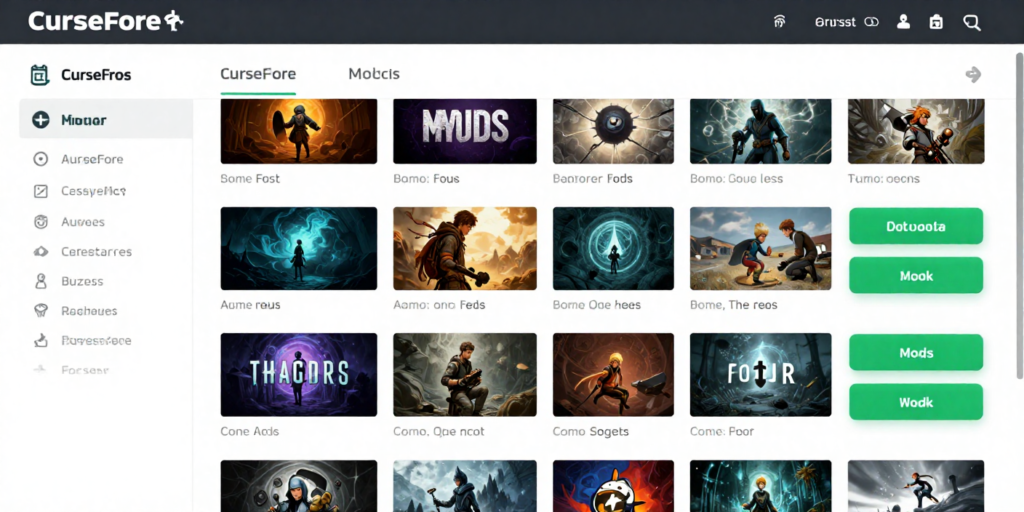

If you are into modded games like Minecraft or World of Warcraft, you have probably heard about CurseForge. The CurseForge download makes installing, managing, and updating mods extremely easy, even for beginners. In this guide, we’ll explain everything you need to know—from what CurseForge is to how safe it is and how to fix common download issues.
What Is CurseForge?
CurseForge is a popular mod management platform that allows gamers to download, install, and manage game mods from one place. Instead of manually searching for mods across different websites, the CurseForge download gives you access to thousands of verified mods through a single application.
Games Supported by CurseForge (Minecraft, WoW, etc.)
CurseForge supports multiple games, including:
- Minecraft (Java & modpacks)
- World of Warcraft
- The Sims 4
- Terraria
- Kerbal Space Program
Why CurseForge Is Popular Among Gamers
CurseForge is popular because it saves time and reduces errors. Gamers don’t need technical knowledge to install mods correctly. Automatic updates, version control, and verified creators make CurseForge a trusted choice worldwide.
Why You Should Use CurseForge
Benefits of Using CurseForge for Mod Downloads
The biggest advantage of using CurseForge is convenience. With a single CurseForge download, you get:
- One-click mod installation
- Automatic updates
- Easy modpack management
- Reduced risk of corrupted files
CurseForge vs Manual Mod Installation
Manual mod installation often involves moving files into specific folders, which can lead to crashes if done incorrectly. CurseForge handles this automatically. Compared to manual methods, CurseForge download is safer, faster, and more beginner-friendly.
Who Should Use CurseForge
CurseForge is ideal for:
- Beginners new to modding
- Players using large modpacks
- Gamers who want hassle-free updates
- Content creators and streamers
CurseForge Download – Official & Safe Method
Where to Download CurseForge Officially
To stay safe, always use the official CurseForge website for your site. Avoid third-party sites, as they may bundle unwanted software or outdated files.
CurseForge Download Requirements (PC, OS, Internet)
Before downloading CurseForge, make sure you have:
- A Windows or macOS computer
- Stable internet connection
- Updated graphics drivers
- Enough storage for mods and modpacks
How to Download and Install CurseForge (Step-by-Step)
CurseForgeDownload for Windows
For Windows users, the CurseForge download process is simple. Download the installer, run the setup file, and follow on-screen instructions. Once installed, the app will automatically detect supported games.
CurseForgeDownload for macOS
Mac users can also complete it easily. After downloading the macOS version, drag the app into the Applications folder and launch it normally.
How to Install CurseForge App Properly
After installation, allow CurseForge to scan your system for supported games. This step helps the app link mods correctly and avoid installation issues later.
How to Use CurseForge After Download
Creating or Importing Modpacks
After completing the CurseForge download, you can create custom modpacks or import existing ones. This is useful if you want to play popular community modpacks without manual setup.
Downloading Mods Using CurseForge
Browsing and installing mods is easy. Simply search for a mod, select the correct game version, and click install. CurseForge handles the rest automatically.
Updating Mods Automatically
One of the best features after it is automatic updates. The app notifies you when mods need updating, helping prevent crashes and compatibility problems.
Is CurseForge Safe to Download?
Security & Malware Concerns
Many users worry about safety, but the CurseForge download itself is generally safe when obtained from the official site. Mods are reviewed, and malicious content is actively removed.
How CurseForge Protects Users
CurseForge uses:
- Verified mod authors
- Community reporting
- File scanning systems
Tips for Safe CurseForgeDownloads
To stay safe:
- Always download from the official source
- Keep your app updated
- Avoid suspicious third-party mods
Common CurseForge Download Problems & Fixes
- CurseForgeDownload Not Working: If you fail, check your internet connection, disable conflicting antivirus software temporarily, and retry the download.
- Installation Errors Explained: Installation errors often occur due to outdated system files or insufficient permissions. Running the installer as an administrator usually solves the issue.
- CurseForge App Crashing or Freezing: If the app crashes, try clearing the cache or reinstalling CurseForge. Updating graphics drivers can also help fix performance issues.
CurseForge Alternatives (If Download Fails)
Best CurseForge Alternatives for Mods
If CurseForge doesn’t work for you, alternatives include:
- Modrinth
- ATLauncher
- Technic Launcher
When You Should Use Alternatives
You may consider alternatives if it fails repeatedly or if your game is not supported by the platform.
Final Thoughts
The CurseForge download is one of the easiest and safest ways to manage game mods today. It removes the complexity of manual installation and gives players a clean, organized system for downloading, updating, and managing mods in one place. Whether you are a beginner trying mods for the first time or an experienced gamer running large modpacks, CurseForge helps you avoid crashes, compatibility issues, and wasted time. Overall, it’s a reliable tool that makes modding more enjoyable and stress-free.
Frequently Asked Questions (FAQ)
Is CurseForge free to download?
Yes, it is completely free for all users. Some mod creators may offer optional paid extras, but the app itself costs nothing.
Can CurseForge be used without the app?
Yes, mods can be downloaded manually from the website. However, using the app after it makes mod management and updates much easier.
Does CurseForge work on low-end PCs?
CurseForge runs on most systems, but large modpacks may need more RAM. Low-end PCs work best with smaller or lightweight modpacks.
Is CurseForge safe for Minecraft mods?
Yes, the CurseForge download is generally safe when used from the official website. Mods are reviewed and monitored to reduce security risks.
Why is CurseForge better than manual mod installation?
CurseForge automates installation and updates, reducing errors and crashes. This makes it more reliable than manual mod installation.