
Competitive gaming has always rewarded precision, but modern hardware has made it possible to measure exactly how much each millisecond costs. The gap between winning and losing a gunfight in a top-tier FPS title often comes down to system latency — the total time from a physical input to a pixel changing on screen. Casual players rarely feel this pressure. Competitive players engineer around it.
What separates elite setups from average ones isn’t just raw hardware. It’s a deliberate, layered approach to reducing latency at every stage of the signal chain: input devices, network routing, and display processing. Players who understand this stack gain an edge that no amount of aim training fully compensates for.
Input Lag Costs More Than You Think
Most players focus on frame rate, but input latency is a separate problem — and often a bigger one. A monitor running 144 Hz still introduces input delay if the keyboard or mouse reports at a low polling rate. At 125 Hz, a device sends position data roughly every 8 milliseconds. Bump that to 1,000 Hz, and the interval drops to approximately 1 millisecond. That difference is measurable in reaction-dependent scenarios.
The hardware gap between casual and competitive setups is significant. According to HP’s input latency guide, standard wireless office keyboards typically sit in the 50–70 ms input delay range, while tuned competitive keyboards operating at 8,000 Hz polling rates can achieve latency at or under 2 ms — up to ten times faster. That’s not a minor spec difference. It translates directly into whether a player registers a shot before or after an opponent does.
Network and Display Settings That Actually Matter
Network configuration is equally important and often underestimated. Competitive players don’t just optimize for download speed — they optimize for ping, jitter, and packet loss. These three metrics determine how consistently a game server receives input commands, which matters far more than peak bandwidth in almost every online title. Using a wired Ethernet connection, selecting servers closest to your physical location, and choosing an ISP with low average latency are all active tuning decisions.
The same demand for responsive, real-time experiences has shaped expectations beyond mainstream gaming. Gaming niches where real-time decision-making and instant feedback matter, like iGaming, have had to adopt similarly tight latency standards to meet user expectations. For instance, sites like Bovada frequently offer time-sensitive incentives and game features. If they don’t handle the latency problem, they’ll experience a high churn rate. For such highly interactive gaming, smooth Internet connection is the backbone of successful operations.
Meanwhile, for competitive players choosing their ISP, HighSpeedInternet.com’s 2026 gaming guide identifies Verizon Fios as the top-ranked provider for gaming based primarily on its consistently low average latency among major US carriers.
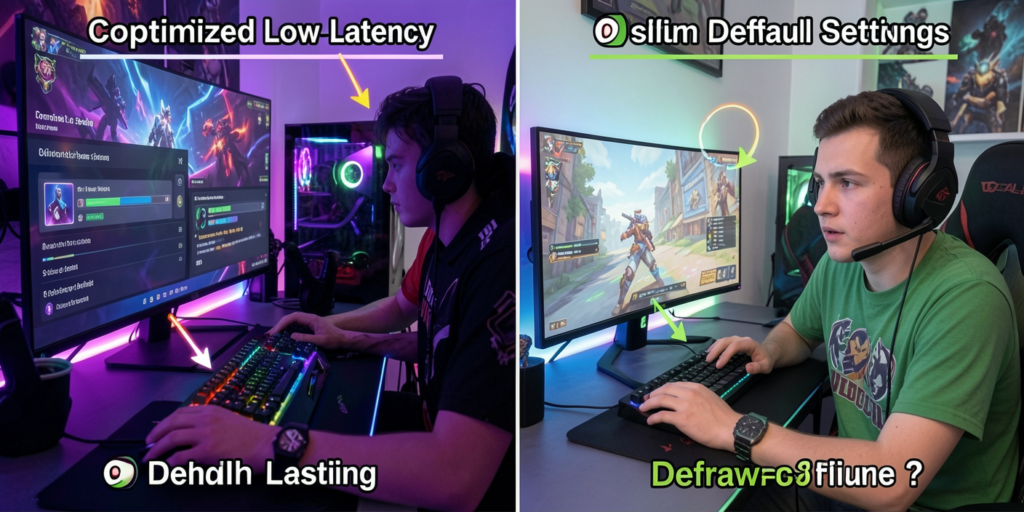
Display settings are the third lever. Enabling a monitor’s “Game Mode” or low-latency preset strips out post-processing steps that add input delay. Running a TV or monitor in its default mode often layers on motion smoothing and image interpolation that can add several milliseconds of display lag. For esports titles, this matters. Switching to Game Mode, disabling unnecessary image enhancements, and pairing a high-refresh panel with a GPU running a frame-limiting technology like NVIDIA Reflex all compound into a measurably tighter system.
Where Latency Standards Spread Beyond Gaming
Gaming set the bar, but that standard has migrated outward. As competitive players pushed for sub-10 ms system latency, ISPs, hardware manufacturers, and cloud platforms all responded. Cloud gaming platforms now target approximately 20 milliseconds of network round-trip latency, a figure that Netrality’s 2026 infrastructure guide describes as approaching the threshold of human perception. That same infrastructure pressure is driving 5G and edge computing development toward single-digit millisecond targets.
The broader lesson is that gamers functioned as the most demanding real-time user base before most other industries caught up. Live video streaming, collaborative tools, and financial platforms have all had to reckon with the same latency sensitivity that competitive players have been optimizing around for years. The standards esports normalized are now industry-wide expectations.
The One Setting Most Players Still Overlook
Most players who upgrade their hardware forget to audit their in-game network and rendering settings. Uncapped frame rates without a frame limiter can cause GPU-induced input lag. Running a game in windowed mode instead of exclusive full-screen adds processing overhead. These are software-level decisions that cost milliseconds without any hardware change required.
A 2025 survey reported by PCMag found that 95% of gamers had experienced latency issues, with 78% reporting they had rage-quit a session because of them. The irony is that many of those players were already sitting on hardware capable of better performance — they simply hadn’t configured it correctly. Tuning latency isn’t just about buying the right gear. It’s about knowing which settings actually move the needle and applying them deliberately from input device to internet connection.